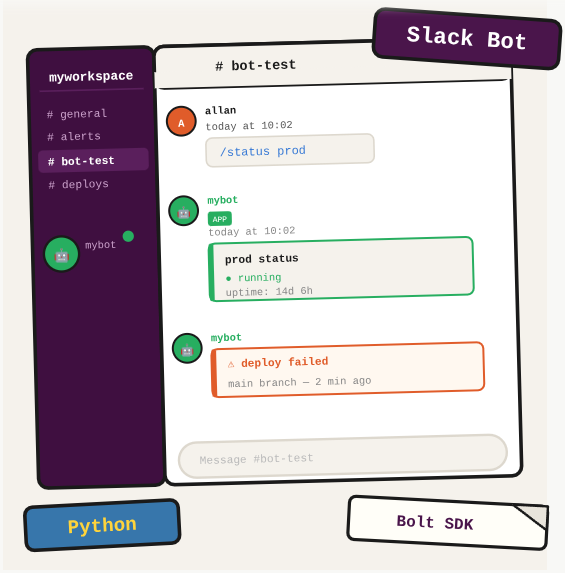
Your team is already in Slack. Instead of building separate dashboards or notification systems, a Slack bot can deliver alerts, respond to commands, and surface important events right where your team works.
TL;DR: Create a Slack bot using the official API, configure permissions, get a token, and send messages programmatically.
Stack: Slack API, Slack Bot Token
Level: Beginner
Reading time: ~5 min
Create the app
- Go to https://api.slack.com/apps
- Click “Create New App” and choose “From scratch”
- Give it a name and select your workspace
- Under “OAuth & Permissions”, add the bot scopes you need (at minimum: chat:write)
- Click “Install to Workspace” and authorize
- Copy the “Bot User OAuth Token” (starts with xoxb-)
Invite the bot to a channel
/invite @YourBotNameSend a message via API
import requests

def send_slack_message(channel: str, text: str, token: str):
    headers = {
        "Authorization": f"Bearer {token}",
        "Content-Type": "application/json"
    }
    payload = {
        "channel": channel,
        "text": text
    }
    response = requests.post(
        "https://slack.com/api/chat.postMessage",
        headers=headers,
        json=payload
    )
    return response.json()
What you’ve built
A working Slack bot: registered at api.slack.com, with the right permissions, installed to your workspace, and able to post messages to any channel via the API.
Next steps
- Use the slack_sdk Python library (pip install slack_sdk) instead of raw HTTP requests for a cleaner implementation.
- Add slash command support from the Slack API console to let team members trigger bot actions directly from the Slack message bar.
- Store your bot token in an environment variable or AWS Secrets Manager, never hardcoded. Rotating a leaked token is painful.
Questions or feedback? Find me on LinkedIn or GitHub.