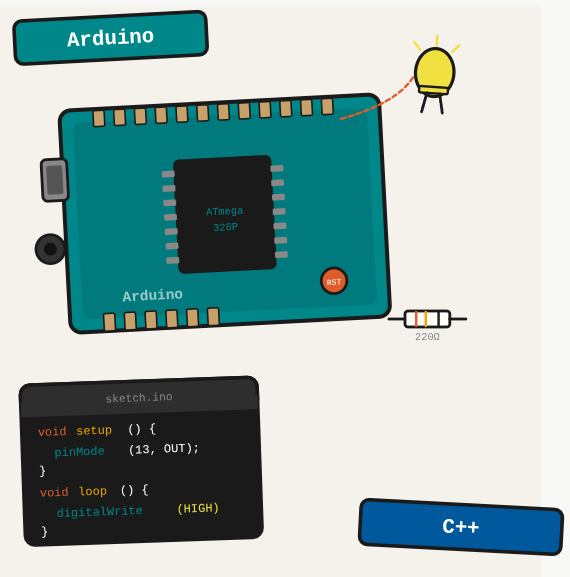
Arduino is a microcontroller platform that bridges software and hardware. If you have never done embedded development, it is the fastest entry point: cheap boards, a simple IDE, and a massive library ecosystem.
TL;DR: An overview of the Arduino platform: the board, the IDE, the basic program structure, and the essential concepts for getting started with hardware.
Stack: Arduino, C++, Arduino IDE
Level: Beginner
Reading time: ~6 min
What is Arduino
Arduino is a microcontroller that lets you write code and connect components like shields, sensors, actuators, and modules to build simple or complex hardware architectures for different situations. Think of it as a tiny computer that lives on a board the size of a credit card and runs one program at a time.
Board models
There are many Arduino models at arduino.cc/en/hardware. The two most common are Arduino Uno and Arduino Mega. Both have digital and analog pins, and differ mainly in the number of available connections and memory.
Arduino IDE
Programs are written in C++ via the Arduino IDE, available at arduino.cc/en/software. The IDE handles compilation and uploads the binary directly to the board via USB.
Basic sketch structure
Every Arduino program has two functions: setup() runs once on startup, and loop() runs continuously after that. It’s like a server that starts, then keeps polling forever.
void setup() {
    Serial.begin(9600);
    Serial.println("Arduino started");
}

void loop() {
    // Your code runs here repeatedly
}
Serial monitor
Serial.print() and Serial.println() let you send text to the IDE’s Serial Monitor. Open it at the same baud rate as Serial.begin() to read output. It’s the Arduino equivalent of console.log().
What you’ve built
You understand the Arduino ecosystem: what the board does, how the IDE works, and the basic structure of a sketch with setup() and loop().
Next steps
- Start with a simple LED blink sketch to verify your setup and understand the loop structure before moving on to sensors.
- Learn digital and analog I/O: digitalWrite(), digitalRead(), and analogRead() cover most beginner projects.
- Explore the Arduino Library Manager for ready-made drivers for sensors, displays, and communication modules.
Questions or feedback? Find me on LinkedIn or GitHub.