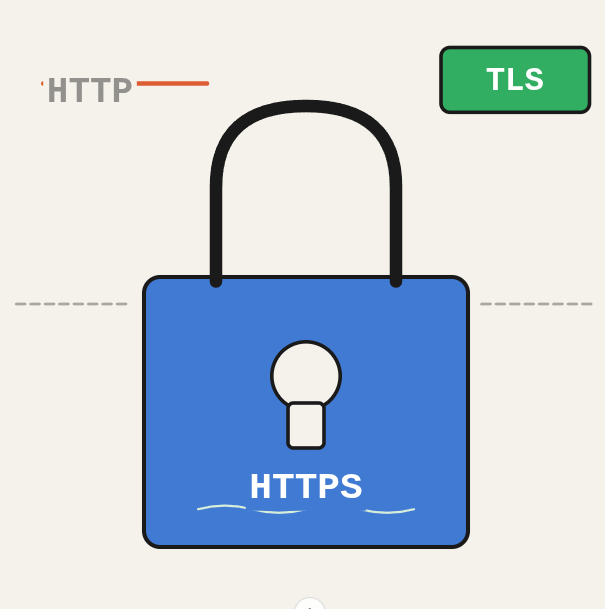
Every API call your app makes goes through a protocol stack that determines whether that data can be intercepted. Most developers know what HTTPS is, but fewer understand the actual relationship between HTTP, HTTPS, SSL, and TLS, and why the distinction matters when you’re configuring servers, handling certificates, or debugging connection errors.
TL;DR: Understand the difference between HTTP, HTTPS, SSL, and TLS so you can make confident decisions about web security and certificate configuration.
Stack: HTTP, HTTPS, SSL/TLS, web security
Level: Beginner
Reading time: ~5 min
Think of TLS like a tamper-evident envelope: the contents are encrypted and the recipient can verify the envelope hasn’t been opened. HTTP sends postcards. HTTPS sends sealed envelopes.
- HTTP (Hypertext Transfer Protocol): The foundation of web communication. It’s a set of rules that allows your browser to talk to web servers and retrieve content. Think of it as the language your browser uses to ask for and receive web pages.
- HTTPS (Hypertext Transfer Protocol Secure): The secure version of HTTP. It uses encryption to protect your data as it travels between your browser and the server, like sending a secret message in a locked box instead of on a postcard.
- SSL (Secure Sockets Layer): An older encryption protocol that used to secure online communication. It had some weaknesses and has been replaced by the more secure TLS. It’s still everywhere in marketing and UI, but it’s technically dead.
- TLS (Transport Layer Security): The successor to SSL, with stronger encryption and better security. It’s the modern safe with real locks on it. TLS is what’s actually protecting your data today.
Key takeaways
- HTTPS and TLS work together to secure communication on the web.
- TLS is the updated and more secure version of SSL.
- The padlock icon in your browser’s address bar means you’re on TLS, not SSL, whatever the marketing says.
What you’ve built
You now have a clear mental model of the HTTP protocol stack: how HTTP transmits data in plain text, how HTTPS adds encryption on top, and what SSL and TLS actually are. The padlock in your browser is TLS in action, not SSL, regardless of what any UI says.
Next steps
- Read the TLS 1.3 RFC if you want to understand what changed from TLS 1.2 and why it matters for performance (0-RTT handshakes are a big deal).
- If you manage servers, audit which TLS versions your endpoints support using SSL Labs and disable TLS 1.0 and 1.1.
- Look into certificate pinning if you are building mobile apps that talk to your own backend services.
Questions or feedback? Find me on LinkedIn or GitHub.